There is still life for the Linux desktop. No matter what the Mac guys say or the Windows guys thumb about, Linux on the desktop will not go away. It's a choice where you don't have to sacrifice security for convenience nor sacrifice IQ points to use them.
But beyond the Linux desktop lies the Linux tablet. I love Android and I do consider them a legit Linux distro, but it's not the same. I need my Gimp, OpenOffice, Inkscape and one day, Scribus.
It's still some distance away but here are my 5 ideas that will make the Linux tablet awesome.
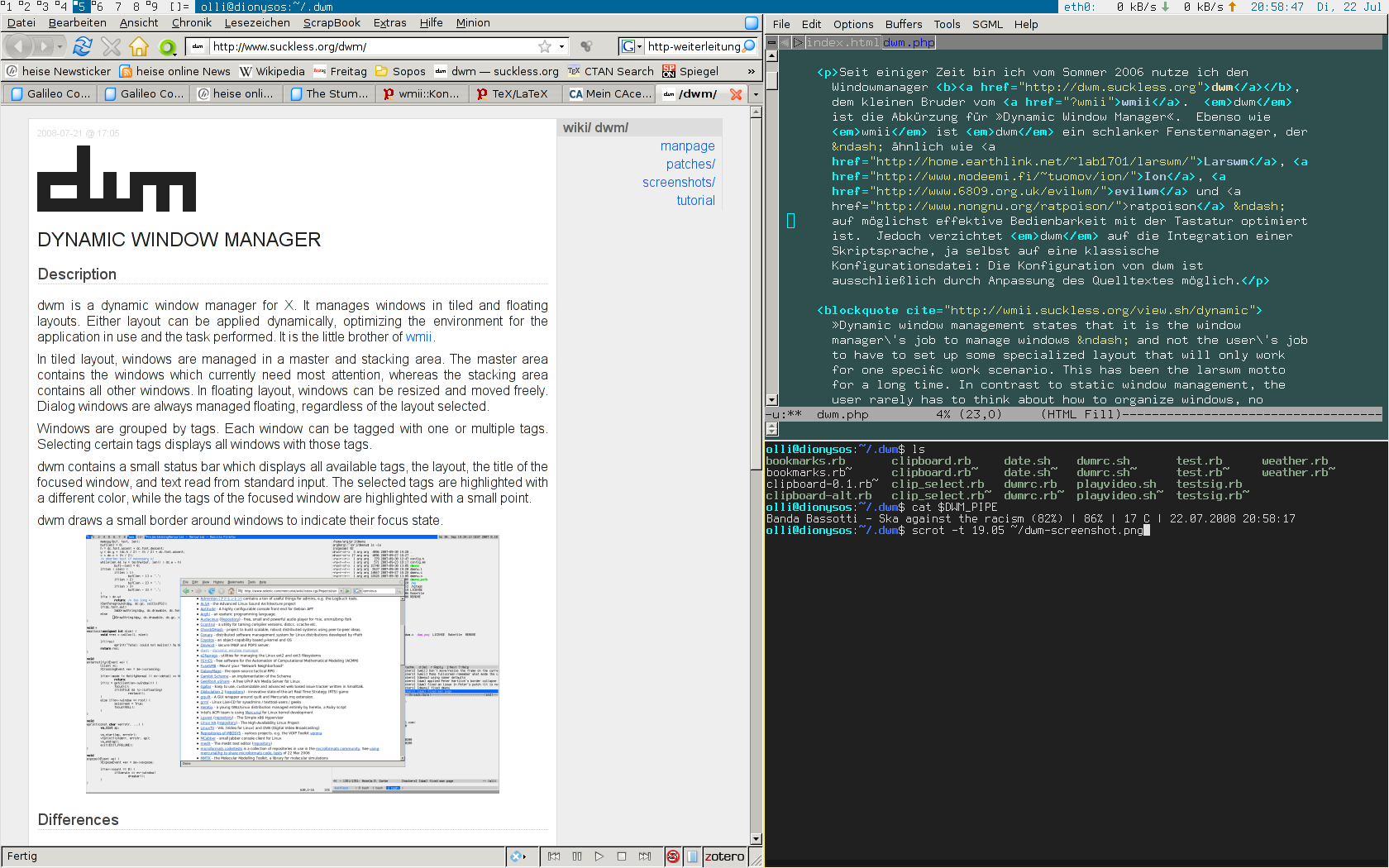
1. Bring back tiling windows. The window manager that will power the Linux tablet must do tiling windows. Yes, a
tiling window manager. Before any of you cry out a Windows 8 patent violation, Linux has always had that, in one way of another.
Compare them if you want. I've had a soft spot for DWM but I think by now the Gnome3 guys would have figured tiling windows out. Why not? It's their philosophy to throw things out. Why not the desktop background?
But seriously, the tiling windows manager will allow the user to utilize the screen space more efficiently. The tendency of tiling window manager will try to fill the screen, giving the user the maximum visible access to open applications. The user can dock / minimiza applications to free up more space and the window manager will automatically resize. If it comes to an arrangement where one application is given more desktop space, the user can toggle which application is given the biggest space.
We all know that running applications full-screen is just a ploy to avoid window management and window decorations (that is the official name for the graphics that make up all of the sides and the buttons of a window). But if the Linux tablet is to stand out and appeal to power users, we have to be able to see more than one application at a time.
Besides, Linux don't need to hide the fact that the OS can't run more than one application at a time by showing only one application at a time.
2. Permanent task bar / always visible widget to anchor other widgets or buttons to.
I hate auto-hiding stuff because they tend to consume resources to bring them up. I do so only when necessary like the limited screen real-estate of my netbook. It slows things down because the OS has to do calculations to redraw part of the screen, move or resize windows and basically change context and focus. Especially as you reach for them at critical times, like trying to switch out of a windows that has slowed down and causing massive swap space to be moved around. Trying to bring up back the auto-hidden bar consumes more resources just to appear and can bring a low-powered system to it's knees. By having it always visible, it doesn't try to strangle the CPU just to appear from hiding. The emergency buttons on it (like show keyboard) will always be there for use. This is even more critical on a tablet where bringing up the keyboard is also a task upon itself.
3. Have a button that brings background or desktop widgets up on a translucent layer above the open applications. I've lost all the Gnome3 developers at 'translucent'.
There will be a time when you need to see or reach for the desktop widgets / applets. It's just is. Unlike some people, Linux users can actually think about more than one thing at a time. It's called the subconscious. It's also that thing that makes you remember about something else. Maybe that's why some people have no recollection of things other people have already done and decide to patent them and sue others for it. Boom.


 Finally, I decided I wasn't that smart and asked Google. I found the answer here, in a Macworld article, of all places. Basically, I had to print out the pages individually as PDFs, which involves setting the printer to print to file. Then I use good old Ghostscript. The command is